
How to Coordinate a Church Funeral Meal Without a Spreadsheet or a Sign-Up Genius Account

When a family in your congregation loses someone, the last thing your hospitality team needs is a coordination headache. A funeral meal comes together fast, often within two or three days, and you need volunteers to commit to dishes, setup, and cleanup without friction. Here is a practical approach that skips the spreadsheet and the account-creation barrier.
Start with one point person, not a committee
The first call after a death should produce one name: the person who owns coordination. That person contacts the family to confirm the date, the expected headcount, any dietary needs, and whether the meal is at the church or graveside. Everything else flows from that conversation. A committee of three well-meaning people who each think someone else sent the casserole request is how you end up with six green bean dishes and no desserts.
Break the meal into specific action items before you ask for help
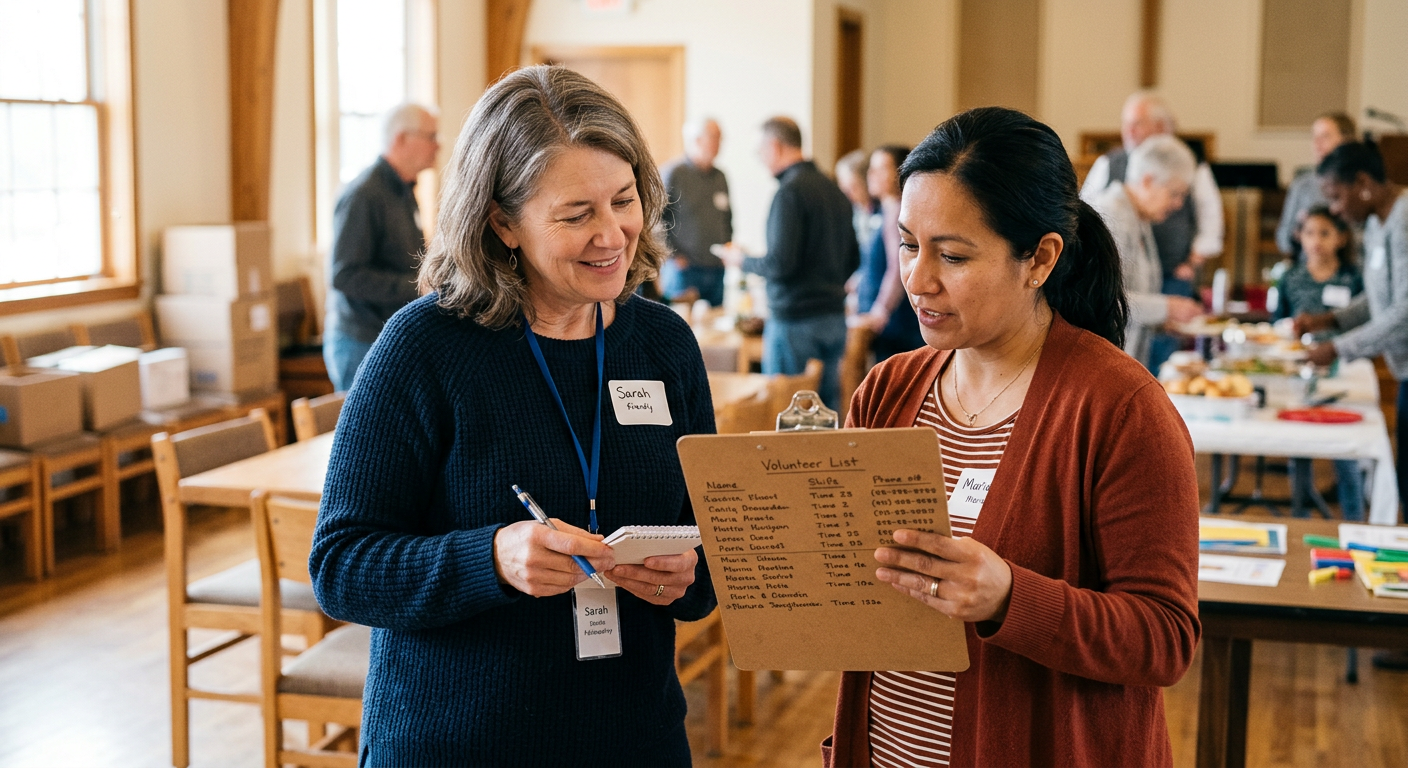
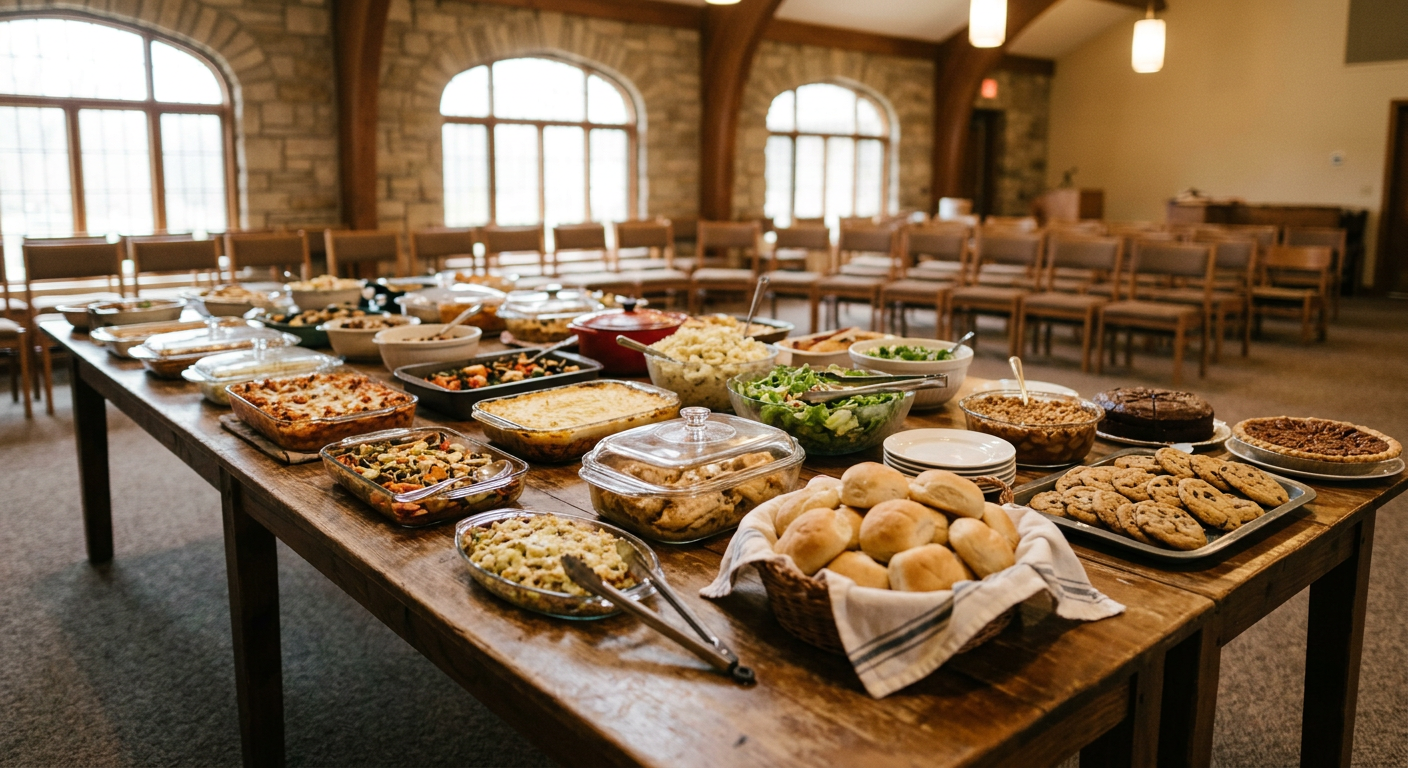
Vague requests get vague responses. Instead of posting "We need food for Friday," list exactly what you need before the message goes out. A funeral meal for 60 people typically needs something like this.
- Two large casseroles or entrees (feeds 10 to 12 each)
- Three side dishes
- Two salads
- Rolls or bread
- Two desserts
- Two volunteers for setup (arriving one hour early)
- Two volunteers for serving and cleanup
Writing it out this way takes five minutes and saves the point person from answering the same question a dozen times. It also means volunteers can claim exactly what fits their situation, whether that is a store-bought pie or a homemade lasagna.
Keep a template document with your standard item list, adjusted by headcount. A 30-person luncheon needs different quantities than a post-service dinner for 100. Save a copy for your hospitality folder after each meal so the next coordinator has a starting point.
Why account-based sign-up tools slow you down
Sign Up Genius is familiar, but it asks volunteers to create an account or log in before they can claim a slot. For a congregation where many members are older or less comfortable with online accounts, that one extra step causes real drop-off. People intend to sign up and then set their phone down. Some never come back.
One extra step between intention and commitment is one step too many when you have 48 hours to fill a funeral meal.
A shared spreadsheet has a different problem. It requires someone to have edit access, and it does not prevent two people from claiming the same item at the same time. You end up reconciling conflicts by text message, which defeats the purpose.
How to use Many Hands for a funeral meal
Many Hands is built for exactly this situation. The coordinator creates one task, adds the action items from the list above, and shares a single link. Volunteers open the link in any browser, claim an item, and type their name. No account, no app download, no password. The coordinator sees who signed up and for what in real time.
For a single funeral meal, the free plan is enough. You get one active task, which covers the whole event. If your church coordinates meals for multiple families at once, or runs a broader hospitality ministry with rotating volunteers, the Pro plan (a one-time purchase, not a subscription) removes that limit.
If your congregation already has a deacon or hospitality team with a shared email list, you can also coordinate a small funeral meal with a plain reply-to email. The advantage of a shared link is that it removes the back-and-forth. The coordinator does not have to tally replies manually or send confirmation messages one at a time.
Sending the link to your congregation
Once the task is live, you have a few good options for getting the link out quickly.
- Text or email the church's hospitality volunteer list directly. This reaches your most reliable people first.
- Post in your congregation's group chat or Facebook group with the date, the family's name (with their permission), and the link.
- Ask the pastor or deacon to mention it briefly at any midweek service or gathering if time allows.
- Check the sign-up 24 hours later and personally reach out to fill any gaps. A direct ask nearly always works better than a second general post.
The day of the meal
Print a simple list of who is bringing what and share it in your setup crew's group text. That way, if someone texts at 9 a.m. to say they are running late with the rolls, the right person knows and can adjust. The point person should arrive first, confirm the room setup, and have a short list of nearby stores in case a dish does not show. It almost never comes to that, but having the backup plan removes the anxiety.
| Timeline | Task | Who |
|---|---|---|
| As soon as possible | Contact family, confirm details | Point person |
| Within a few hours | Build item list, create sign-up link | Point person |
| Same day | Send link to volunteer list and group chat | Point person |
| 24 hours before | Check gaps, send personal follow-ups | Point person |
| Day of (1 hour early) | Setup crew arrives, coordinate arrivals | Setup volunteers |
| After the meal | Cleanup, note what worked for next time | Cleanup volunteers |
Keep a record for the next time
After the meal, the point person should save a short note: headcount, what items worked well, what was missing, and how many volunteers showed up. Funeral meals happen with little warning, and a one-page reference saves significant time the next time your congregation needs to come together. The hospitality ministry that handles these moments well becomes one of the most trusted parts of a church's care for its members.