Free meal train alternatives: what works best when a family needs help after surgery or loss

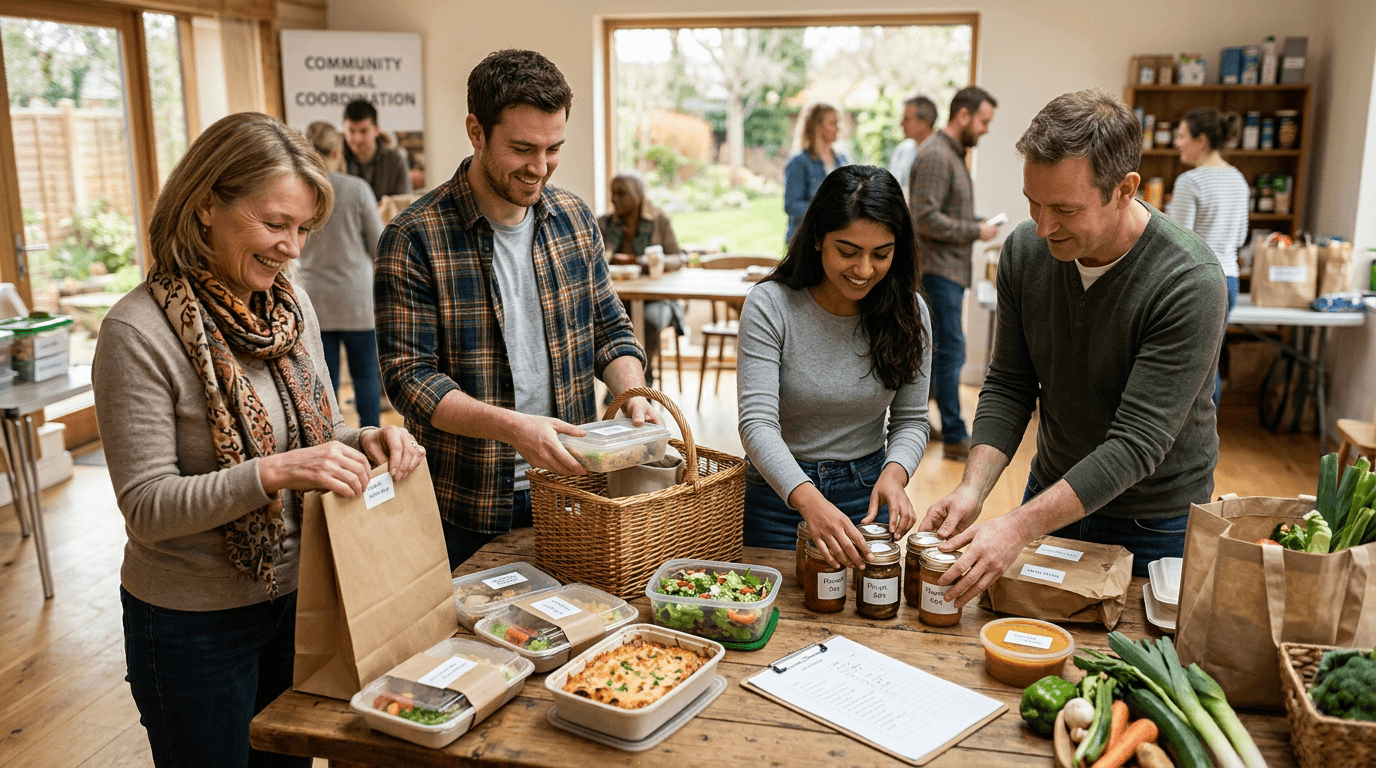
When a family is going through surgery recovery or grief, their friends and neighbors almost always want to help. The hard part is turning that goodwill into actual meals that show up at the right time, in the right quantity, without anyone doubling up on lasagna. There are several ways to coordinate that help, and the best one depends on how many people are involved and how long the need lasts.
Why meal coordination goes wrong
The most common failure mode is two people bringing dinner on the same Tuesday while Thursday goes uncovered. It happens because people are coordinating through a mix of texts, Facebook comments, and email threads that no one is fully watching. The second failure mode is meals that the family cannot eat, because nobody asked about allergies or dietary needs before the sign-up filled up.
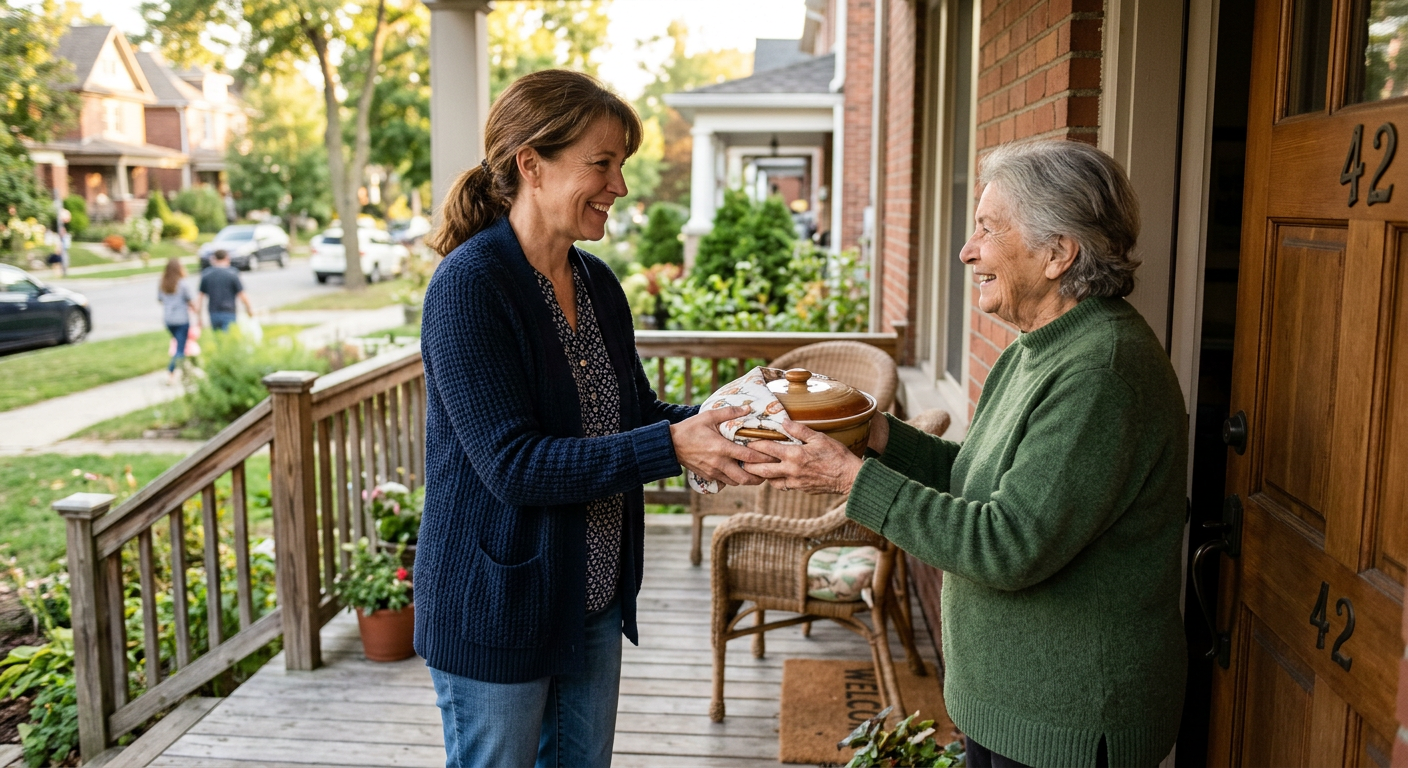
A good coordination method solves both problems: it gives each volunteer a specific date to claim, and it includes a place to note what the family needs or cannot eat. Everything else is secondary.
The free options, compared
| Method | Best for | Main limitation |
|---|---|---|
| Group text or Facebook post | 3 to 5 close friends, one week of meals | No structure, easy to double-book |
| Google Sheet | Medium groups who are comfortable with spreadsheets | Editing conflicts, no reminders |
| Meal Train free plan | Families comfortable creating an account | Requires sign-up, some features are paywalled |
| Many Hands | Organizer wants one shareable link, volunteers claim without an account | One active task on the free plan |
| Paper sign-up at church or work | In-person communities where everyone is in the same place | No reminders, someone must photograph and share the sheet |
When a group text is enough
If the family has four or five very close friends doing the coordinating, a group text can work for a short stretch. Someone sends a message like "I'm taking Tuesday the 14th, who wants Wednesday and Thursday?" and people respond. The organizer keeps a running note somewhere and sends reminders the day before. This is not scalable, but it avoids every tool and every sign-up, which matters when people are already emotionally overwhelmed.
Before any meals are scheduled, send one quick message asking about allergies, dietary restrictions, and how many people you're feeding. Pin it in the group chat so nobody misses it.
When a Google Sheet is the right call
A shared Google Sheet works well for groups of ten to twenty people who are comfortable with it. Set up one column for the date, one for the volunteer's name, one for what they're bringing, and one for delivery time. Share it with edit access so people can fill in their own rows. The main problem is that Google Sheets does not send reminders, so you or another coordinator will need to check it regularly and nudge people a day or two before their slot. It also has no built-in way to prevent two people from typing into the same row at the same time.
A spreadsheet puts the coordination burden on whoever is already grieving or recovering. The goal is to take that burden off them.
Meal Train: what it actually offers for free
Meal Train is the name most people know, and the free version lets you create a meal calendar, share a link, and collect sign-ups. Volunteers do need to create an account or log in with Google to claim a slot. The family also needs to create an account to set up the page. For families who are very comfortable with that process, it works. The paid tiers add features like gift cards and task lists, but most simple meal coordination does not need those.
How Many Hands fits this kind of coordination
Many Hands is built for exactly this shape of task: one organizer sets it up, breaks it into specific slots, and shares one link. Volunteers open the link and claim a slot without creating an account or downloading anything. For meal coordination, you create one task called something like "Meals for the Henriksen family," then add action items for each date: "Dinner, Monday April 7," "Dinner, Tuesday April 8," and so on. You can include notes on each item for dietary restrictions or drop-off instructions.
The free plan covers one active task, which is exactly right for a single family's meal train. If you're a church coordinator or community group managing multiple families at once, the Pro plan is a one-time purchase, not a monthly subscription.
If you're coordinating for a church that runs multiple meal trains a year, keeping each one as a separate task in Many Hands means you always know what's claimed and what's still open, without digging through email.
How to set up a meal sign-up that actually works
- Ask first. Find out how many people are in the household, any dietary restrictions or allergies, preferred delivery window, and whether they want meals left at the door or handed off in person.
- Set a date range. Decide how many weeks you're covering. Two weeks is a reasonable starting point for post-surgery recovery. Grief has no timeline, so check in before extending.
- Create specific slots. "Dinner Tuesday April 8, serves 4, no pork" is more useful than "Tuesday." Specificity prevents confusion.
- Share one link or one list. Do not send multiple separate messages asking for volunteers. One clear message with one clear way to sign up gets better results.
- Send a reminder. A quick message the evening before someone's slot prevents no-shows. If you're using a tool that sends automated reminders, enable them.
- Say thank you on behalf of the family. The family should not have to manage gratitude messages while they're recovering. The organizer can send a brief thank-you to each volunteer.
A note on the family's role
The best coordination setup is one where the family does almost nothing after the initial conversation. They answer a few questions about needs and restrictions, and then the organizer takes it from there. Whatever tool you use, set it up so volunteers can find the link, claim a slot, and get a confirmation without needing to contact the family directly. That's the whole job.